Stat Highlight Graphics from Verified Metrics
Turn an approved metric into a stat card: specify the value, label, period, and comparison, then check the generated text against your source.
A stat card gives one metric a clear visual hierarchy. Use Stat / Data Highlight when you already have an approved number and need a graphic for a report, social post, or presentation. The template arranges the claim; it cannot verify the underlying data.
Start with a complete claim
Before generating, keep a source record with the exact value, unit, reporting period, comparison period, population, and reviewer. A percentage without its baseline can communicate the wrong result even when every digit is spelled correctly.
Synthetic example: The 47% figure below is invented teaching data. It is not an ImageLayer result, customer result, or benchmark.
For this fictional example, a more complete claim is “Revenue grew 47% in Q1 2026 compared with Q1 2025.” The value, measure, and comparison belong together. Keep the underlying calculation and approval with the asset; do not send private source documents to the model just to style the card.
Fill the template fields
Select Stat / Data Highlight in image mode. The default template collects three required fields and optional styling notes:
Metric Value: 47%
Metric Label: Year-over-year revenue growth
Context: Q1 2026 vs Q1 2025
Additional notes: One number-led card; no charts or extra claims.- Metric Value: match the approved sign, decimal places, and unit.
- Metric Label: say what changed, rather than only “growth.”
- Context: show both comparable periods. Add the population when needed.
- Additional notes: keep styling instructions separate from the statistic; do not introduce a second claim.
Choose a Platform preset for the destination and inspect the returned crop and dimensions. The content type supplies the information structure; the preset requests the format. The template walkthrough shows the controls with a separate recorded 42% teaching sample.
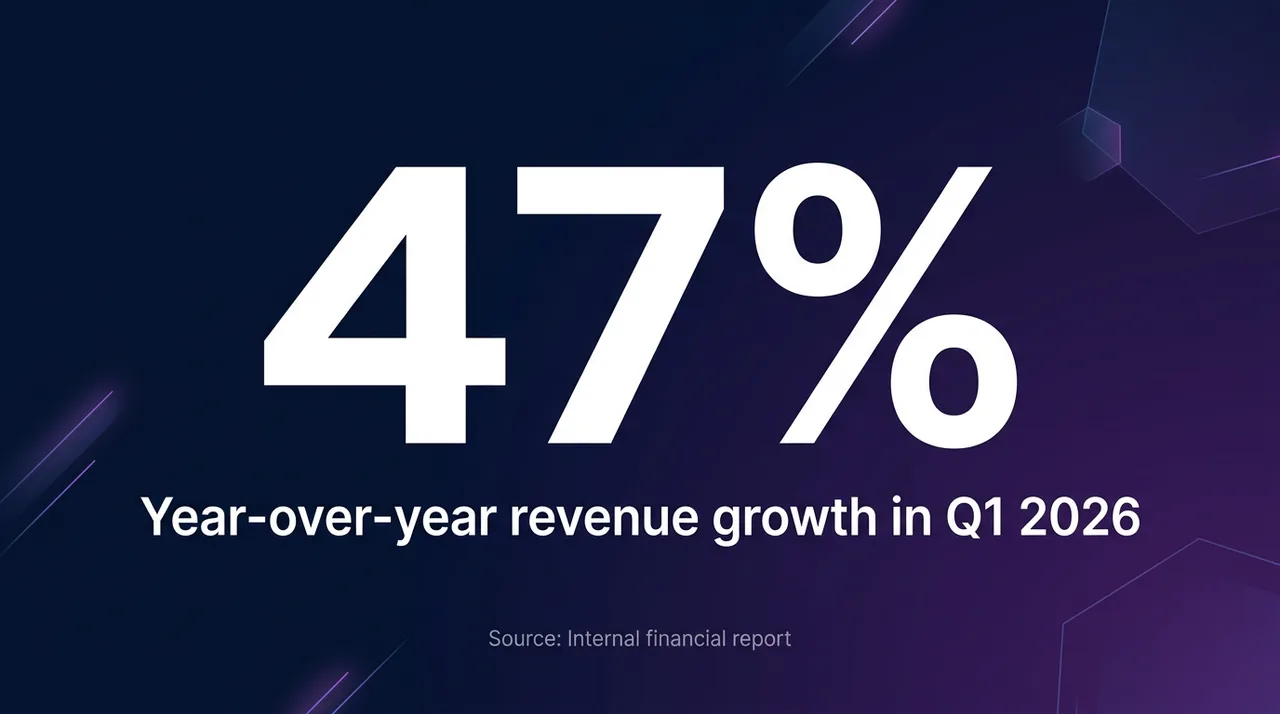
An existing fictional illustration of a number-led card, not a new generation from the revised fields above. The image is not evidence for the metric.
Review meaning as well as text
Compare the exported image with the source record, then read it without the surrounding article. Does it still say what was measured and when?
- Percent versus percentage points: a rate moving from 20% to 25% rises by five percentage points, or 25% relative to the starting rate. These synthetic calculations describe different quantities; do not interchange their labels.
- Observed versus forecast: keep a projection visibly labeled as a projection. A design treatment should not turn it into a reported result.
- Period and population: avoid comparing a full year with a partial quarter or all users with a selected cohort without explaining the distinction.
- Rendered copy: inspect every digit, sign, unit, and qualifier at full size and at the intended display size. Reject an output that adds a chart, claim, or label you did not approve.
Put the approved claim and any necessary qualifications in accessible text beside the image. Link a public source when one is available. If the model cannot preserve exact wording, use it for the background and compose the final text in an editor that keeps the copy exact.
Reuse the structure, recheck the evidence
A saved template can be reused for investor updates, internal reporting, or approved sales material. Each new asset still needs a current source and permission to disclose the figure. Reusing last quarter’s design does not make last quarter’s data current.
For shared colors and finishing controls, follow Branding & Guidelines. To decide whether a metric fits a template or needs a custom layout, read Content Type Templates vs. Freeform Prompts.
Open the public Playground to inspect the fields without submitting a generation. For an authenticated run, review the available model and credit quote before confirming.