GPT Image 2 Playbook: Structured Image Briefs
A fictional example library for short text, product concepts, edits, and structured layouts, with explicit review boundaries.
Fictional example library: Every brand, product, person, UI, metric, quote, and outcome below is invented. These assets are not customer work, performance evidence, or a guarantee of model behavior.
This playbook tests GPT Image 2 with short text, product concepts, UI illustrations, diagrams, and edit instructions. The displayed runs show what happened once; labels can be wrong, layouts can drift, and edits can change the source.
The practical goal is a reviewable brief rather than an open-ended prompt. Publication still requires factual, visual, legal, and source-asset review.
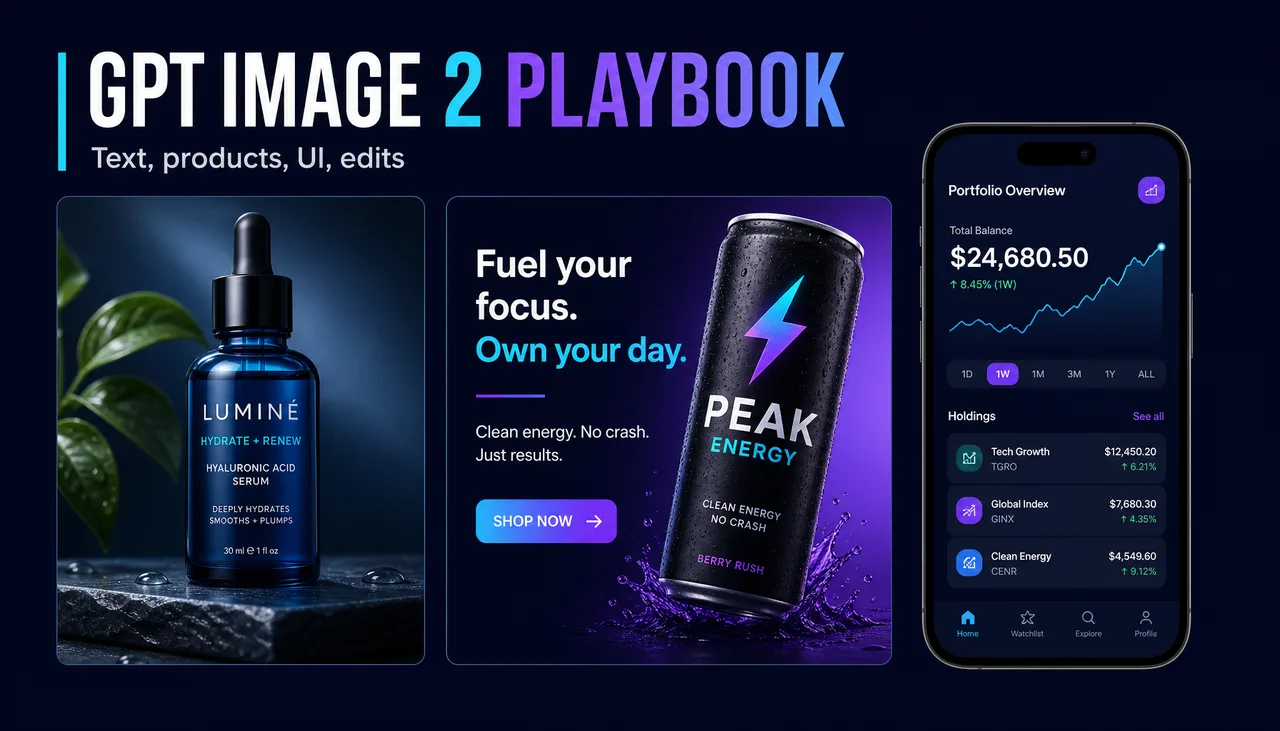
Generated in ImageLayer with General mode, GPT Image 2, X / Twitter (16:9), and the exact prompt below.
Recorded setup behind this image
Use this setup to request a related output. A new run will vary and will not reproduce the image exactly:
- Mode: Image
- Content type: General
- Platform preset: X / Twitter (16:9)
- Model: GPT Image 2
- Apply brand guidelines: Off
Paste this prompt:
Editorial blog hero image, 16:9. Three clean panels on a dark navy canvas: left panel shows a premium product photo with readable label, center panel shows a social ad card with exact typography, right panel shows a mobile app UI mockup. Large title at top-left reads exactly "GPT IMAGE 2 PLAYBOOK". Small caption reads exactly "Text, products, UI, edits". Modern SaaS aesthetic, cyan and violet accents, sharp spacing, no extra words, no fake logos, no watermark.Candidate workflows to compare
In ImageLayer, GPT Image 2 is the current public OpenAI image option. Compare it with other available image models when a brief contains short text or source-image constraints:
-
Text-heavy visuals
- launch cards, event posters, sale graphics, quote cards, stat cards, YouTube thumbnails, and any asset where misspelled text ruins the output
-
Product and packaging work
- product-on-white shots, packaging concepts, label mockups, PDP photos, lifestyle shots, and variant imagery
-
Infographics and diagrams
- flowcharts, process cards, step-by-step explainers, educational diagrams, onboarding visuals, and data summaries
-
UI and app mockups
- mobile app screens, SaaS dashboards, landing page concepts, pitch deck screenshots, and feature previews
-
Edits that request preservation of the original
- background swaps, cleanup, outfit or prop changes, translated text, product relighting, and campaign variants from the same base image
For any comparison, use the same prompt and source images, inspect the outputs, and rely on the current selector and pre-submit quote for availability and credits.
Generated example library
Every example below was generated in ImageLayer with the same baseline setup unless noted:
- Mode: Image
- Content type: General
- Platform preset: X / Twitter (16:9)
- Model: GPT Image 2
- Apply brand guidelines: Off
Product label accuracy
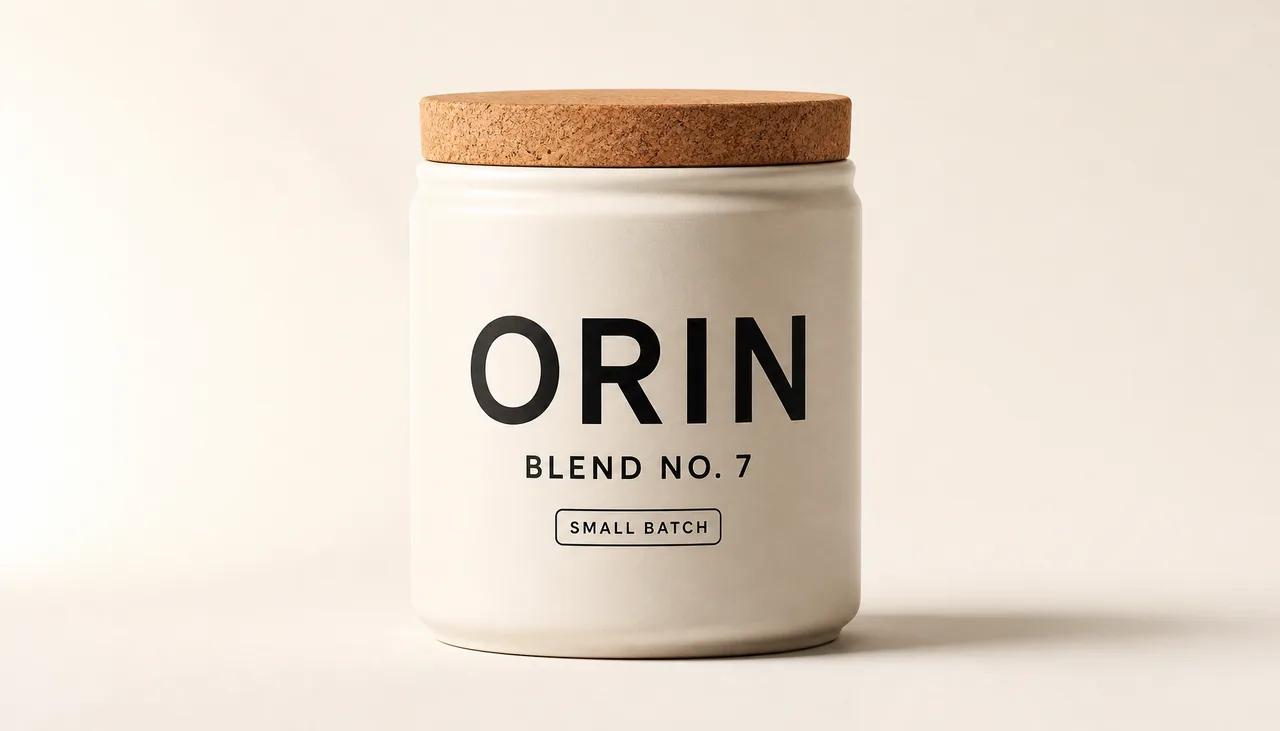
Studio product photo of a soft ivory ceramic coffee canister with cork lid, front-facing on warm off-white seamless background. Label text exactly: "ORIN" large black sans-serif, "BLEND NO. 7" below, small badge "SMALL BATCH". Softbox light from camera-left, gentle fill right, soft contact shadow, crisp printed label, premium e-commerce look. X/Twitter 16:9 crop. No extra props, no extra words, no fake logos, no watermark.Use this pattern when product identity and packaging text are the risk.
Social ad typography
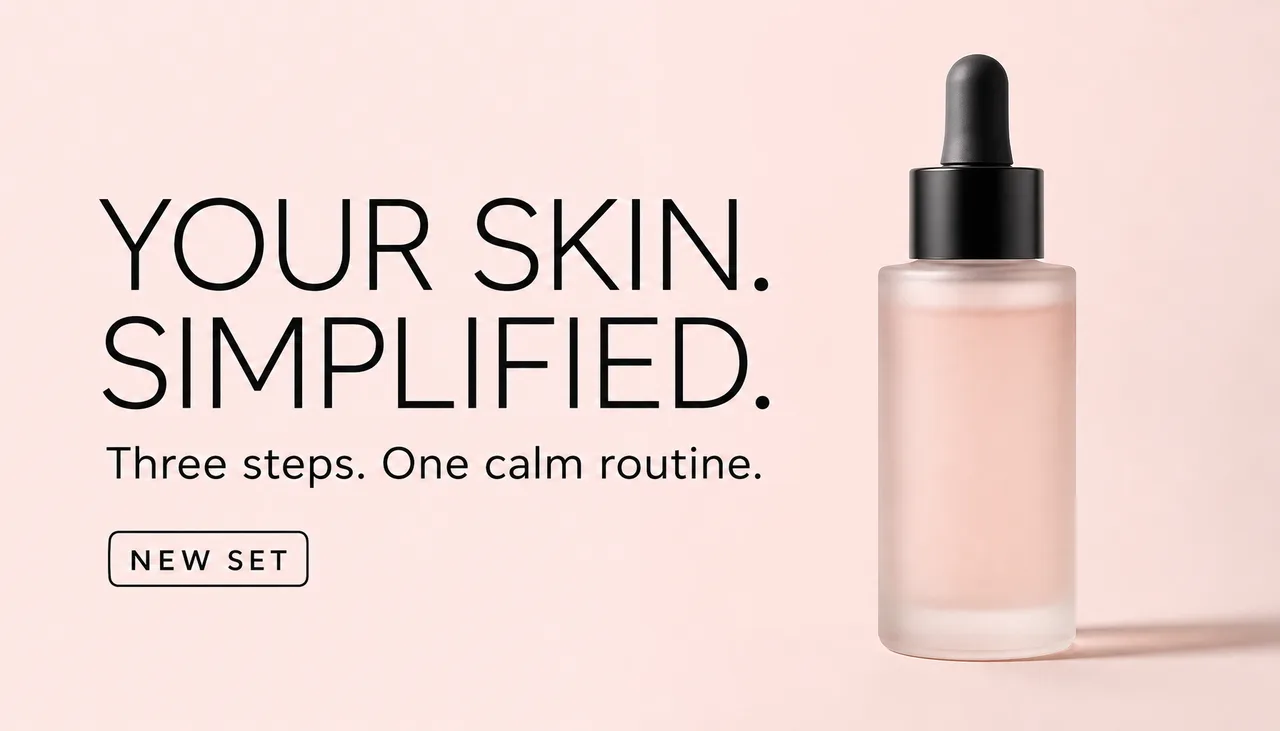
Typography-first paid social ad for a modern skincare brand. 16:9 X/Twitter feed image, pale blush background, one frosted glass serum bottle on the right. Large headline on left reads exactly "YOUR SKIN. SIMPLIFIED." Supporting line reads exactly "Three steps. One calm routine." Small badge reads exactly "NEW SET". Thin black sans-serif type, clean kerning, soft studio light, premium editorial style. No extra words, no fake logos, no watermark.Use this pattern when the copy must live inside the image, not as a separate overlay.
App UI mockup
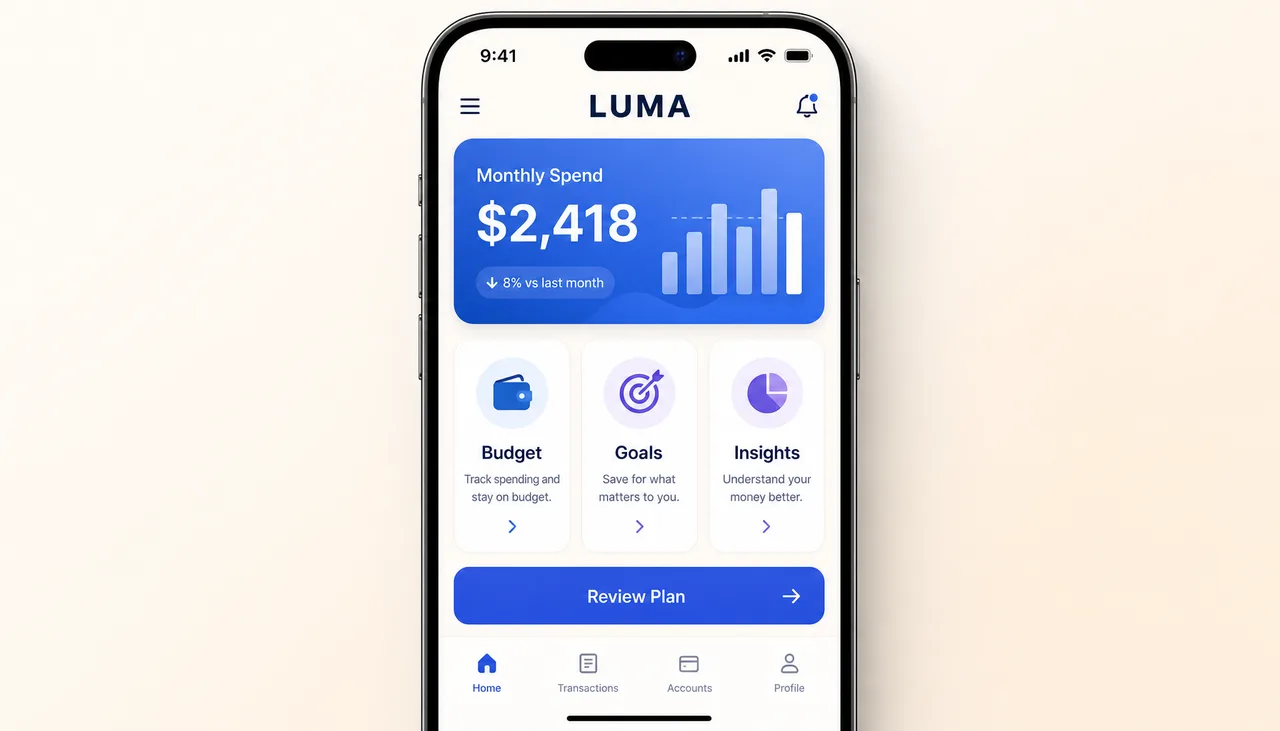
High-fidelity mobile app UI mockup inside an iPhone frame, straight-on, for a personal finance app called "LUMA". Top status bar reads "9:41". Header title "LUMA". Main hero card shows "Monthly Spend" and "$2,418". Three feature cards below: "Budget", "Goals", "Insights". Primary CTA reads "Review Plan". Calm light mode, cream background, blue and violet accents, rounded cards, realistic iOS spacing. No fake logos, no unreadable microtext, no watermark.Use this pattern when the visual needs to communicate product structure before a designer builds the real screen.
Logistics campaign illustration
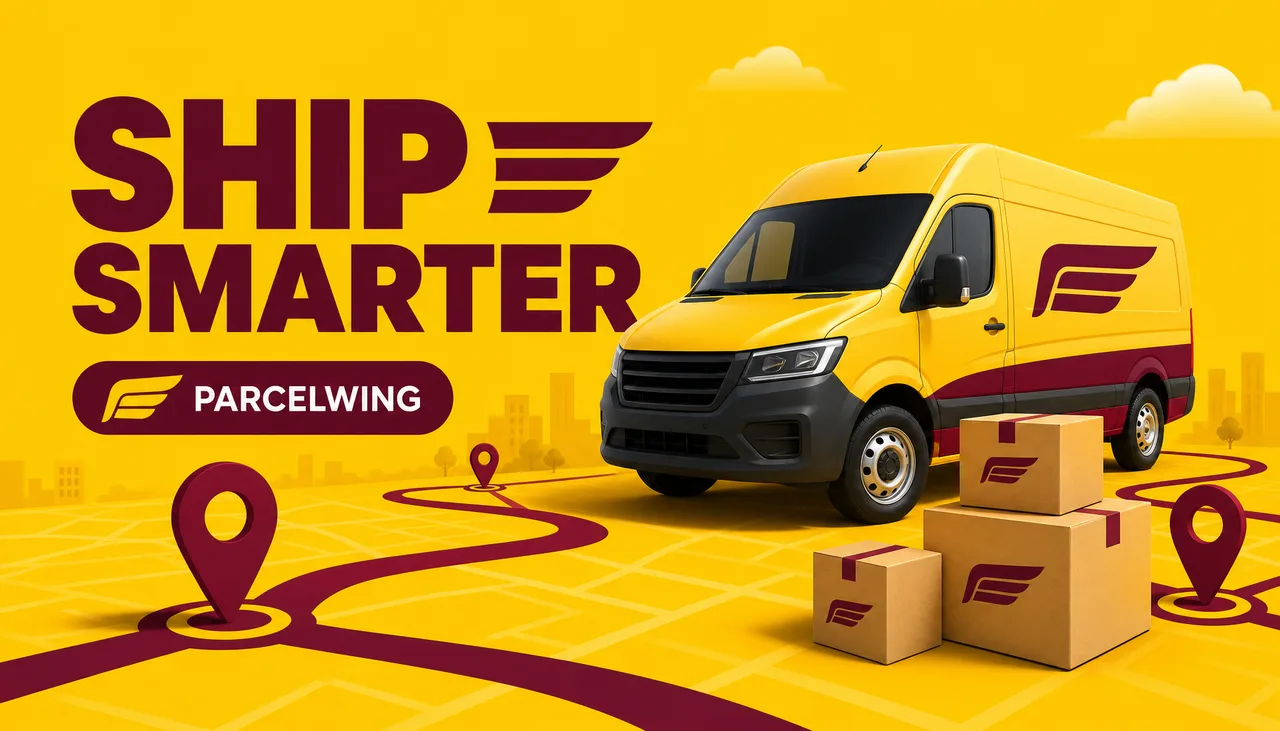
LinkedIn-style logistics illustration for fictional parcel company ParcelWing. 16:9. Sunny yellow background with deep burgundy route lines, clean delivery van, parcels, map pins. Large headline reads exactly "SHIP SMARTER". Small badge reads exactly "PARCELWING". Friendly corporate illustration, crisp vector-meets-3D, no real DHL logos, no extra words, no watermark.Use this pattern when a company wants category-recognizable visuals without copying a real competitor brand.
Logistics explainer infographic
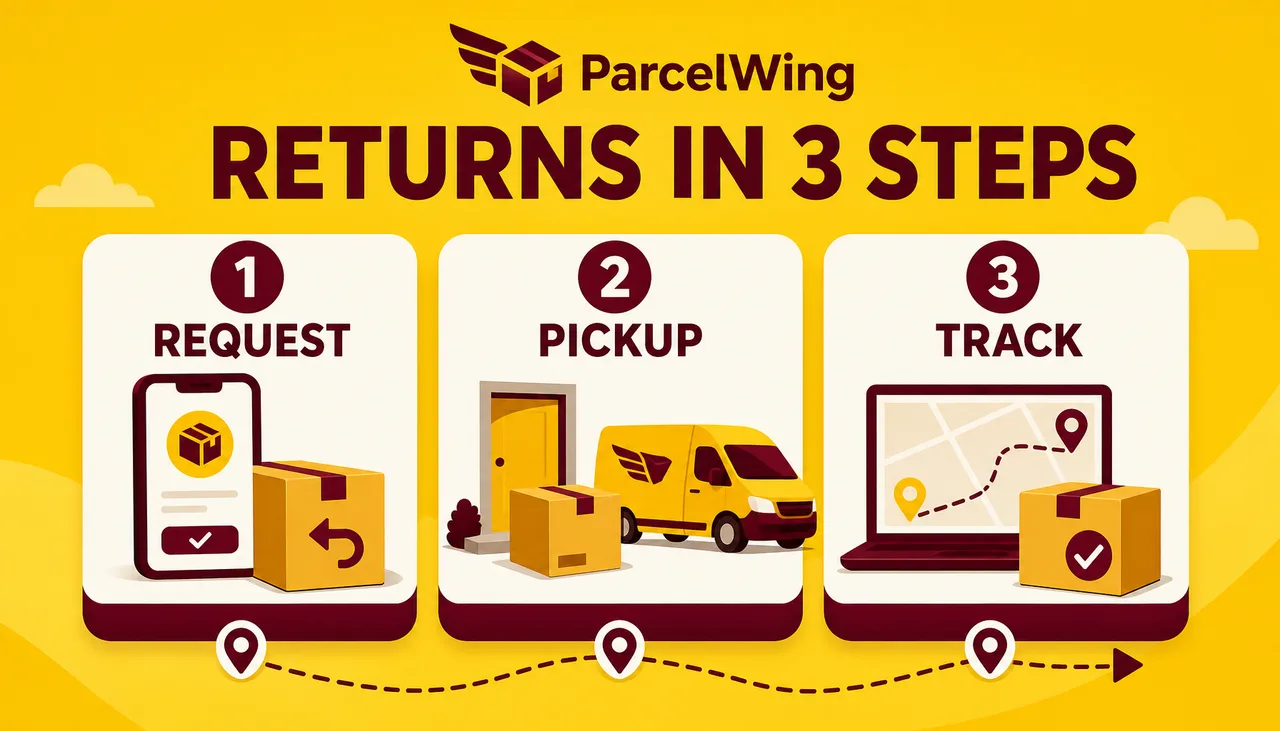
Clean 16:9 infographic for fictional logistics company ParcelWing. Title reads exactly "RETURNS IN 3 STEPS". Three numbered cards: "1 REQUEST", "2 PICKUP", "3 TRACK". Sunny yellow and deep burgundy palette, parcel icons, route line, simple dashboard spacing, readable sans-serif text. No real DHL logos, no extra words, no watermark.Use this pattern when the image needs to teach a process in the feed.
B2B LinkedIn campaign graphic
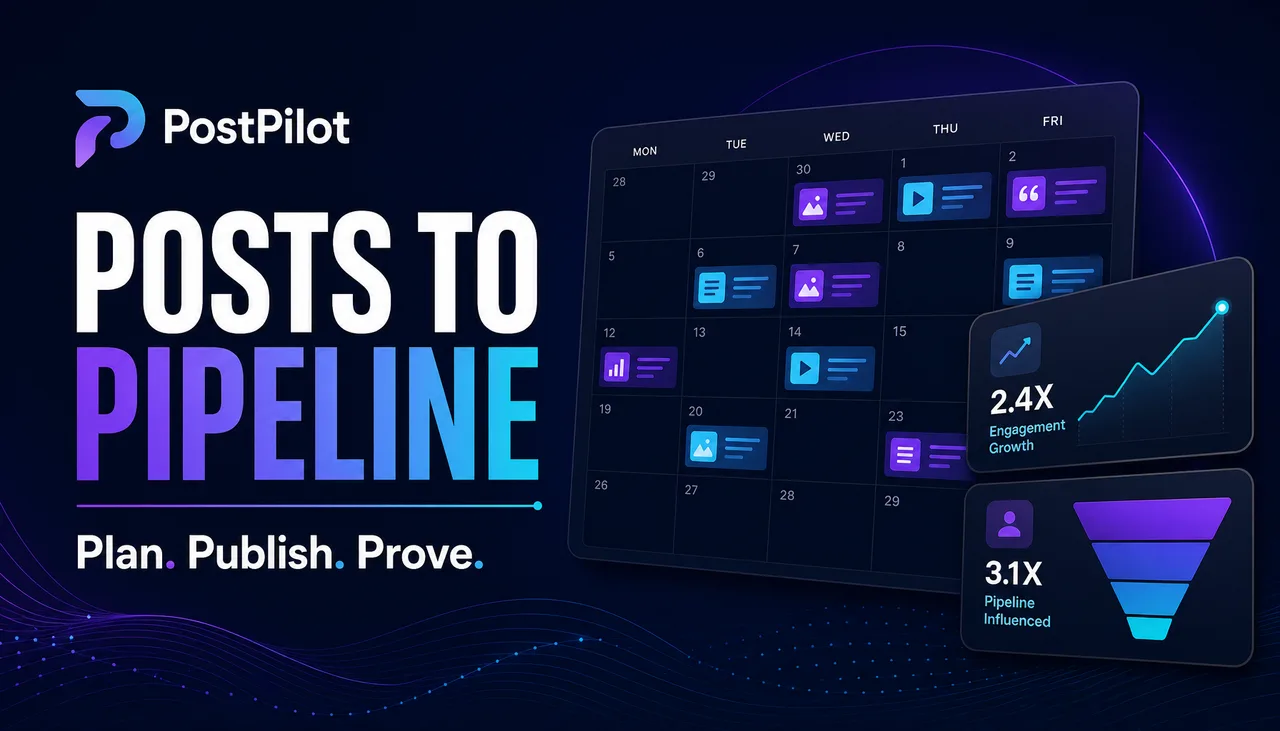
Premium LinkedIn campaign graphic for fictional B2B social platform PostPilot. 16:9 dark navy canvas with violet and cyan accents. Large headline reads exactly "POSTS TO PIPELINE". Supporting line reads exactly "Plan. Publish. Prove." Show a clean content calendar and analytics cards, modern SaaS editorial design, no third-party logos, no real LinkedIn logo, no extra words, no watermark.Use this pattern when the buyer needs to picture a marketing workflow, not only a pretty social post.
B2B benchmark card
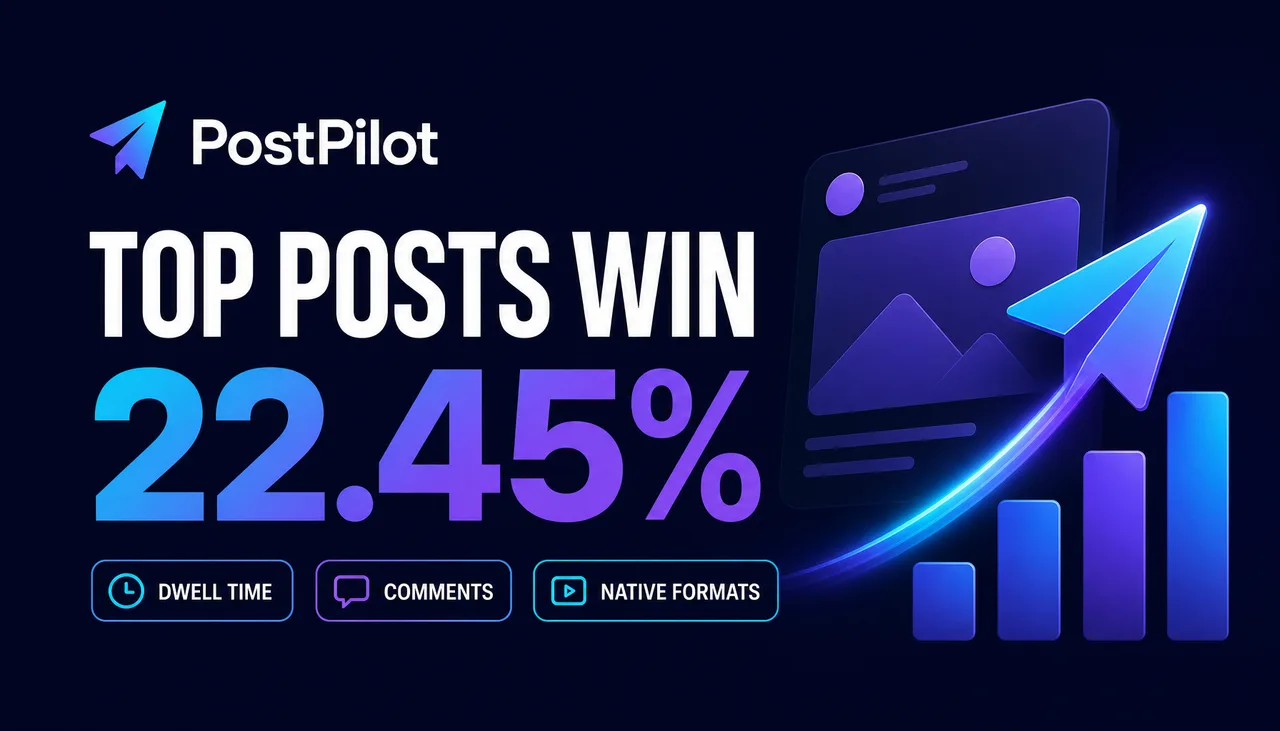
B2B LinkedIn benchmark card for fictional social platform PostPilot. 16:9. Dark navy background with violet and cyan accents. Big metric reads exactly "22.45%". Headline reads exactly "TOP POSTS WIN". Three small chips read "DWELL TIME", "COMMENTS", "NATIVE FORMATS". Clean editorial SaaS style, no dashboard UI, no real LinkedIn logo, no extra words, no watermark.Use this layout only with a verified benchmark, quote, or statistic. The value shown here is invented.
Synthetic result-card layout
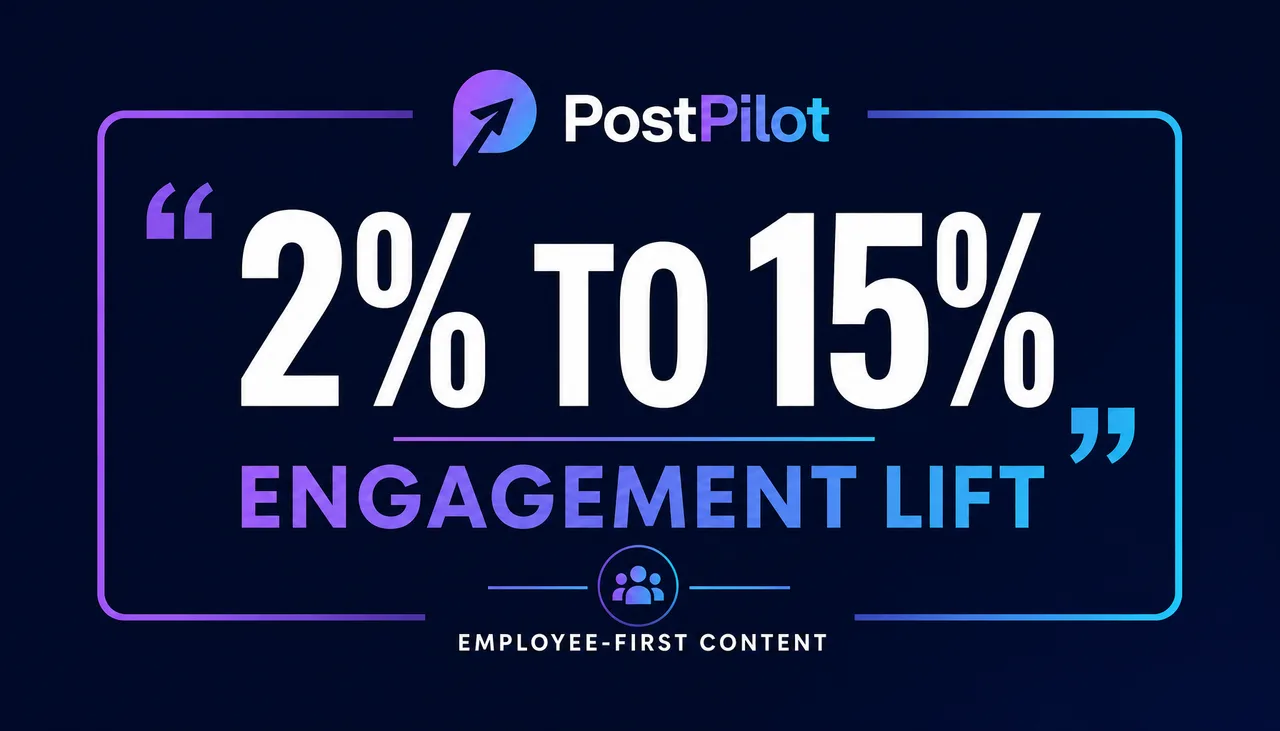
The 2% to 15% figure is fictional and is not a customer quote, result, or benchmark.
B2B synthetic result-card layout for fictional social platform PostPilot. 16:9. Dark navy background, violet/cyan accent frame. Large illustrative value reads exactly "2% TO 15%". Headline reads exactly "ENGAGEMENT LIFT". Small label reads exactly "FICTIONAL EXAMPLE". Editorial SaaS style, no dashboard UI, no real LinkedIn logo, no extra words, no watermark.Use this layout with real proof only after the value, source, wording, and publication permission are documented.
Visual workflow breakdown
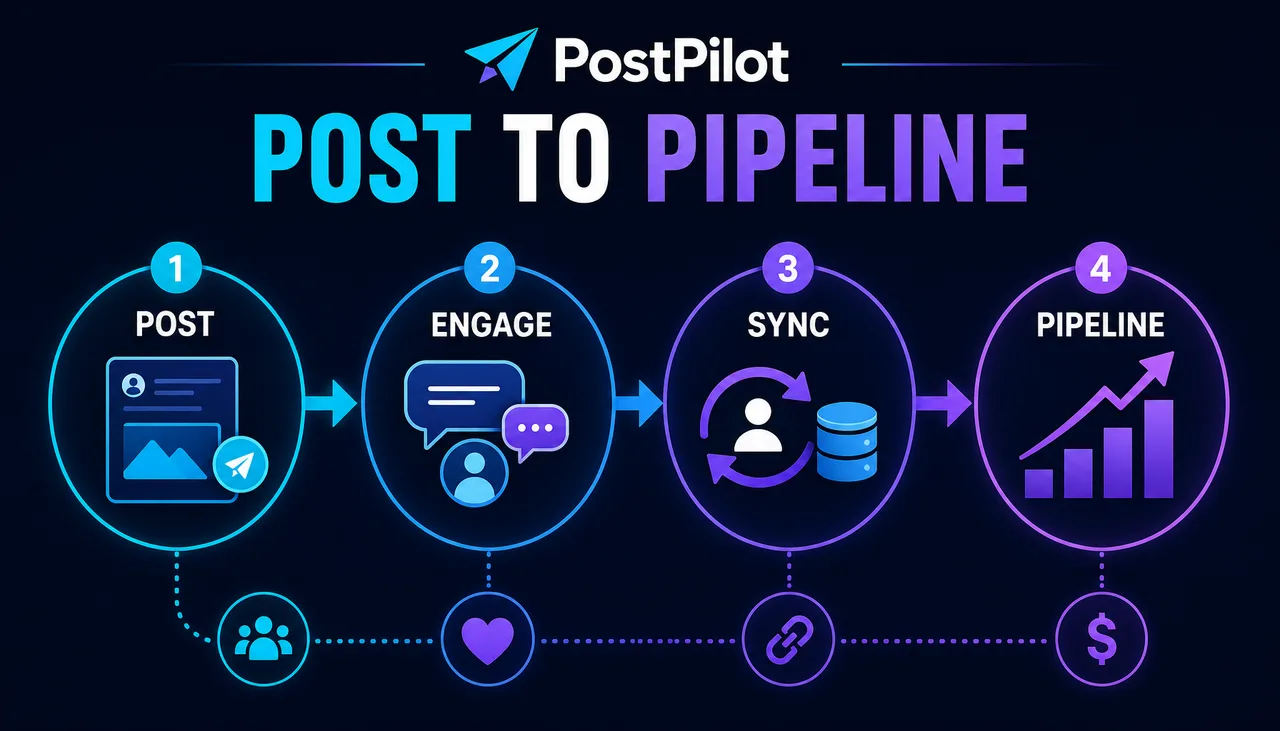
B2B social attribution visual breakdown for fictional platform PostPilot. 16:9. Dark navy background with cyan/violet accents. Title reads exactly "POST TO PIPELINE". Four connected stages read "POST", "ENGAGE", "SYNC", "PIPELINE". Use clean icons, arrows, editorial SaaS infographic style, no dashboard UI, no real LinkedIn logo, no extra words, no watermark.Use this pattern when the asset needs to explain a process in one image, such as publish -> engagement -> CRM sync -> pipeline influence.
The prompt structure to standardize
A reusable structured-prompt pattern is:
Scene:
[where this exists, time of day, environment, background]

Subject:
[who or what is the main focus]

Important details:
[materials, texture, camera angle, lighting, composition, copy, mood]

Use case:
[product mockup / social ad / UI screen / infographic / poster / editorial photo]

Constraints:
[exact text rules, no extra logos, preserve layout, no watermark, no added objects]
This works because it separates the creative problem into pieces the model can follow. “Make a premium image” is not a brief. “A studio product photo of a matte black supplement bottle on warm concrete, label text rendered exactly, softbox from camera-left, product centered with negative space for an ad headline” is a brief.
The edit prompt structure
When the user uploads a reference and wants a revision, use a different pattern:
Change:
[exactly what should change]

Preserve:
[product geometry, label text, face, pose, lighting, camera angle, background, layout]

Constraints:
[no extra objects, no logo drift, no text changes, no watermark]
A preserve list makes the intended boundary explicit; it does not guarantee preservation. Compare the result with the source and reject any unapproved change.
What is going viral, and what is actually useful
April 2026 creator feeds are full of fun GPT Image 2 formats:
- action figure blister packs
- retro trading cards
- typography posters
- app design sheets
- hand-drawn infographic cards
- 360 panoramas
- intentionally bad MS Paint redraws
- product packaging mockups
- fake screenshots and interface concepts
Some of these are pure entertainment. The useful exercise is to translate the format into a defined workflow.
An action figure blister pack is not only a joke format. For a brand, it becomes a merch concept, event giveaway mockup, speaker promo, or founder-led LinkedIn post.
A retro trading card is not only a collectible aesthetic. For a team, it can become a fictional persona card, employee spotlight with consent, launch-week carousel, or community badge.
The MS Paint trend is funny, but it does not belong as a default business preset. The lesson is still useful: style constraints can be extremely specific. “Draw this badly in MS Paint with a mouse” works because it defines medium, execution quality, background, and resemblance. Business prompts should be just as specific, even when the desired output is polished.
Copy-paste examples for ImageLayer
1. Product packaging mockup
Use this for early SKU validation, investor decks, or product page concepts.
Scene:
A clean studio tabletop with a warm off-white backdrop and soft contact shadow.

Subject:
A matte [PRODUCT TYPE] package standing upright, front-facing, with premium proportions.

Important details:
The package material is [MATERIAL]. The label has a bold logo reading "[BRAND]" in clean sans-serif type, a smaller line reading "[PRODUCT LINE]", and a small badge reading "[BADGE]". Softbox lighting from camera-left at 45 degrees. Subtle fill from camera-right. The label must be sharp and readable.

Use case:
E-commerce product packaging mockup for a product launch page.

Constraints:
Render all quoted text exactly. No extra claims. No third-party logos. No watermark. Do not add decorative text.
2. Social ad with exact copy
Use this when the headline and offer must be readable in-feed.
Scene:
A square paid-social creative with one product hero and a calm brand background.

Subject:
[PRODUCT] positioned on the right side with generous negative space on the left.

Important details:
Headline text on the left reads "[HEADLINE]" in bold high-contrast sans-serif type. Supporting line below reads "[SUPPORTING LINE]". Small urgency badge reads "[URGENCY]". Use [BRAND COLORS] with clean editorial lighting and no clutter.

Use case:
Instagram and Facebook ad creative for a conversion campaign.

Constraints:
Render the quoted text verbatim, once only. No misspellings. No extra words. No fake logos. Keep the offer readable at mobile feed size.
3. Infographic card
Use this for onboarding docs, social education, or a blog visual.
Scene:
A vertical infographic card on a clean light background with generous margins.

Subject:
A structured explainer titled "[TOPIC]".

Important details:
Create [NUMBER] stacked rows. Each row has a small numeric badge, a short bold label, and one concise supporting line. Use these rows:
1. [LABEL] - [DESCRIPTION]
2. [LABEL] - [DESCRIPTION]
3. [LABEL] - [DESCRIPTION]
Use a restrained editorial data-visualization style, thin connector line, modern sans-serif typography, and one accent color.

Use case:
Educational infographic for a blog post and LinkedIn carousel.

Constraints:
All text must be legible. Render only the provided labels and descriptions. No extra statistics. No decorative clipart. No watermark.
4. App UI mockup
Use this for PRDs, pitch decks, product launch visuals, and early design concepts.
Scene:
A high-fidelity mobile app screenshot inside an iPhone frame, straight-on view.

Subject:
A [APP CATEGORY] app called "[APP NAME]".

Important details:
Top status bar reads "9:41". Header shows "[APP NAME]" with a small profile icon. Main area contains [HERO COMPONENT]. Below it are three feature cards titled "[CARD 1]", "[CARD 2]", and "[CARD 3]". Bottom tab bar has Home, Explore, Activity, and Profile. Use [STYLE DIRECTION], rounded cards, clear hierarchy, and realistic app spacing.

Use case:
Product concept mockup for a landing page or stakeholder presentation.

Constraints:
Render interface text exactly. No fake brand logos. No unreadable microtext. Keep proportions realistic and do not stretch the phone frame.
5. Edit a real product photo
Use this when an operator has an authorized source image and wants to test a background or lighting change.
Change:
Replace the background with [NEW BACKGROUND] and improve the lighting so it feels like a professional studio product photo.

Preserve:
Keep the product shape, label text, cap, materials, proportions, camera angle, crop, and main shadow direction exactly the same.

Constraints:
Do not redesign the packaging. Do not invent new claims. Do not change the logo. No extra props unless specified. No watermark.
How this maps to ImageLayer features
Use General mode for a one-off creative idea, trend adaptation, or exploratory visual.
Use Content Type Templates when the asset repeats: product photos, promo offers, stat cards, infographics, announcements, event covers, and quote cards. The template should collect the few human inputs that matter, then assemble the prompt structure behind the scenes.
Use Platform Presets when the same idea needs to survive different crops. GPT Image 2 can follow layout instructions, but the model still needs to know whether it is composing for LinkedIn, Instagram Stories, YouTube thumbnails, or email banners.
Use Brand Guidelines to attach saved palette, typography direction, motifs, texture, and avoid-list context. The model may still reinterpret those instructions, so use deterministic overlays for exact logos and legal copy.
The practical rule
Describe GPT Image 2 as an available image-generation option, not as a guarantee. Show the current model label and exact quote from the product, preserve source files, and require review for text, identity, product details, and factual claims.
Keep exploring
- E-commerce Photography Without the Studio - How product photos fit into repeatable templates.
- Run Promotions That Actually Get Noticed - Why offer graphics need hierarchy and exact copy.
- Explain Any Process in a Single Image - How infographics turn process text into a visual asset.
- Image Generation: Prompts, References, and Presets - The full ImageLayer image workflow.