Product Photo Concepts from a Reference Image
Use the Product Photo template for reviewable visual concepts while preserving a real product photograph as the source of truth.
Reference-guided generation can help explore backgrounds, lighting, and composition around a product image. It cannot guarantee SKU fidelity, label accuracy, material accuracy, or marketplace acceptance.
Synthetic example: The wallet images below demonstrate a concept workflow. They are not a customer listing, conversion test, or proof that every product detail was preserved.
The Phone Photo Problem
Most small sellers start the same way: grab their phone, snap a quick photo on the kitchen table, and upload it. The wallet looks fine in person, but the listing photo screams “casual seller.”
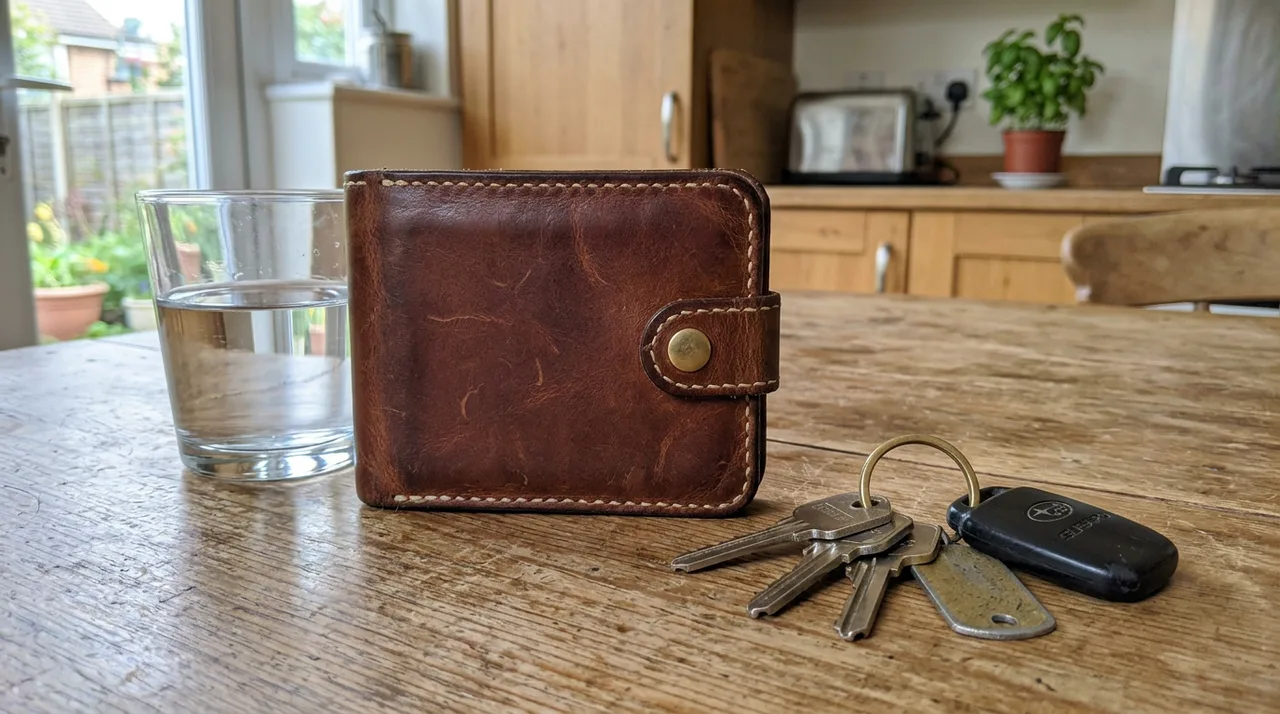
Quick phone snapshot at home
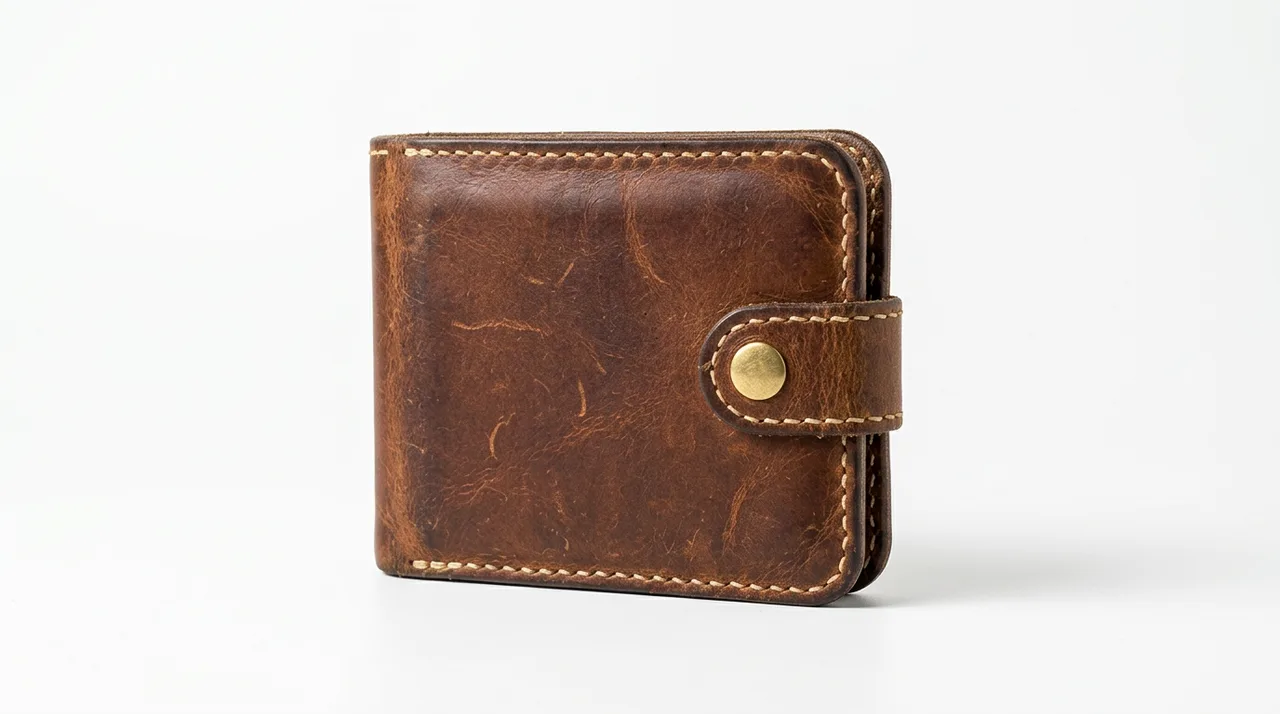
Generated concept based on the reference. Do not assume that the product remains identical.
How to Use the Product Photo Preset
Upload your phone photo as a reference image, then fill in four fields in the Product Photo Content Type:
- Product Name: “Handmade leather wallet”
- Description: “Bifold wallet in rich brown leather with visible hand-stitching and brass snap button”
- Photo Style: “Studio, eye-level”
- Background: “Clean white”
The request asks the model to preserve the product while changing the setting. Inspect shape, color, texture, seams, hardware, labels, and proportions against the source.
Review before listing use
- Treat the original photograph and approved packaging files as the product record.
- Reject any output that changes the SKU, included accessories, quantity, colorway, label, certification, or dimensions.
- Check marketplace rules and disclosure requirements before using synthetic or edited imagery.
- Measure conversion impact on your own catalog; this guide makes no sales-performance claim.
Start Selling with Better Photos
Open the public Playground to inspect the reference-image interface without submitting a generation. Authenticated requests remain subject to entitlement and billing admission.