Fictional PostPilot B2B Visual Workflow with GPT Image 2
An explicitly fictional prompt exercise for campaign cards and workflow diagrams, with no customer or performance proof.
Fictional worked example: PostPilot, its buyers, customers, metrics, engagement lifts, and pipeline claims are invented. Nothing in this article is ImageLayer customer proof or a performance benchmark.
B2B social platforms can use visuals to explain a workflow rather than imitate a dashboard screenshot.
The example covers campaign planning, executive posts, employee advocacy, approvals, analytics, and a conceptual attribution flow.
To make that concrete, we used a fictional B2B advocacy platform called PostPilot. It is not a real company, but it borrows the category language that B2B social teams recognize: LinkedIn benchmarks, employee advocacy, campaign calendars, post formats, and social-sourced pipeline.
Example 1: LinkedIn Benchmark Card
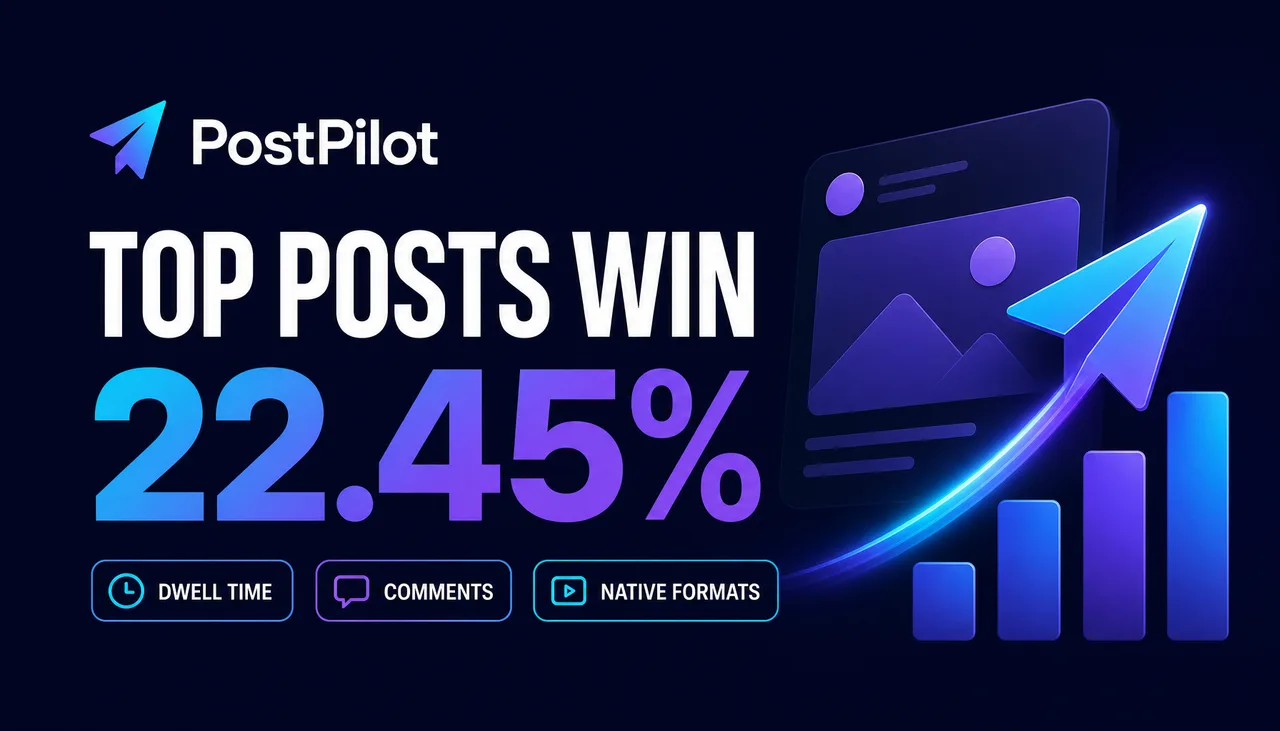
Synthetic layout exercise. The percentage and labels are invented and must not be cited as evidence.
Exact ImageLayer setup
- Mode: Image
- Content type: General
- Platform preset: X / Twitter (16:9)
- Model: GPT Image 2
- Apply brand guidelines: Off
B2B LinkedIn benchmark card for fictional social platform PostPilot. 16:9. Dark navy background with violet and cyan accents. Big metric reads exactly "22.45%". Headline reads exactly "TOP POSTS WIN". Three small chips read "DWELL TIME", "COMMENTS", "NATIVE FORMATS". Clean editorial SaaS style, no dashboard UI, no real LinkedIn logo, no extra words, no watermark.Why this works
The prompt is built around a synthetic data hook, not a generic product screenshot. The fictional platform uses category-specific ideas such as format rotation, dwell time, and attribution. The displayed value must be replaced with a verified source before publication.
It also gives GPT Image 2 a concrete content structure:
- one large metric
- one short headline
- three small support chips
- dark SaaS canvas
- no real LinkedIn logo
Those constraints describe the intended benchmark-card format; the output still needs review.
Example 2: Carousel Cover
Exact ImageLayer setup
- Mode: Image
- Content type: General
- Platform preset: X / Twitter (16:9)
- Model: GPT Image 2
- Apply brand guidelines: Off
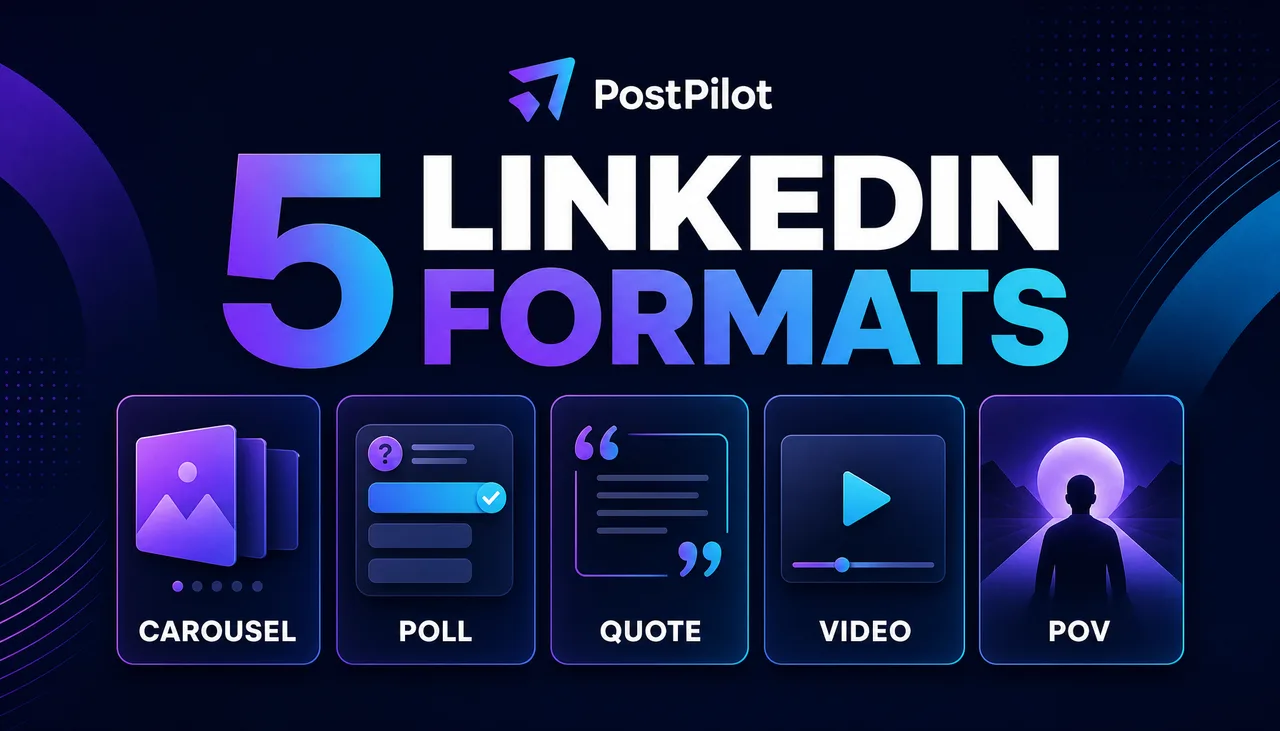
Generated in ImageLayer with General mode, GPT Image 2, X / Twitter (16:9), and the exact prompt below.
B2B LinkedIn carousel cover for fictional social platform PostPilot. 16:9. Dark navy background with violet/cyan accents. Large title reads exactly "5 LINKEDIN FORMATS". Five cards read "CAROUSEL", "POLL", "QUOTE", "VIDEO", "POV". Premium editorial SaaS style, clean grid, no dashboard UI, no real LinkedIn logo, no extra words, no watermark.Example 3: Synthetic Result-Card Layout
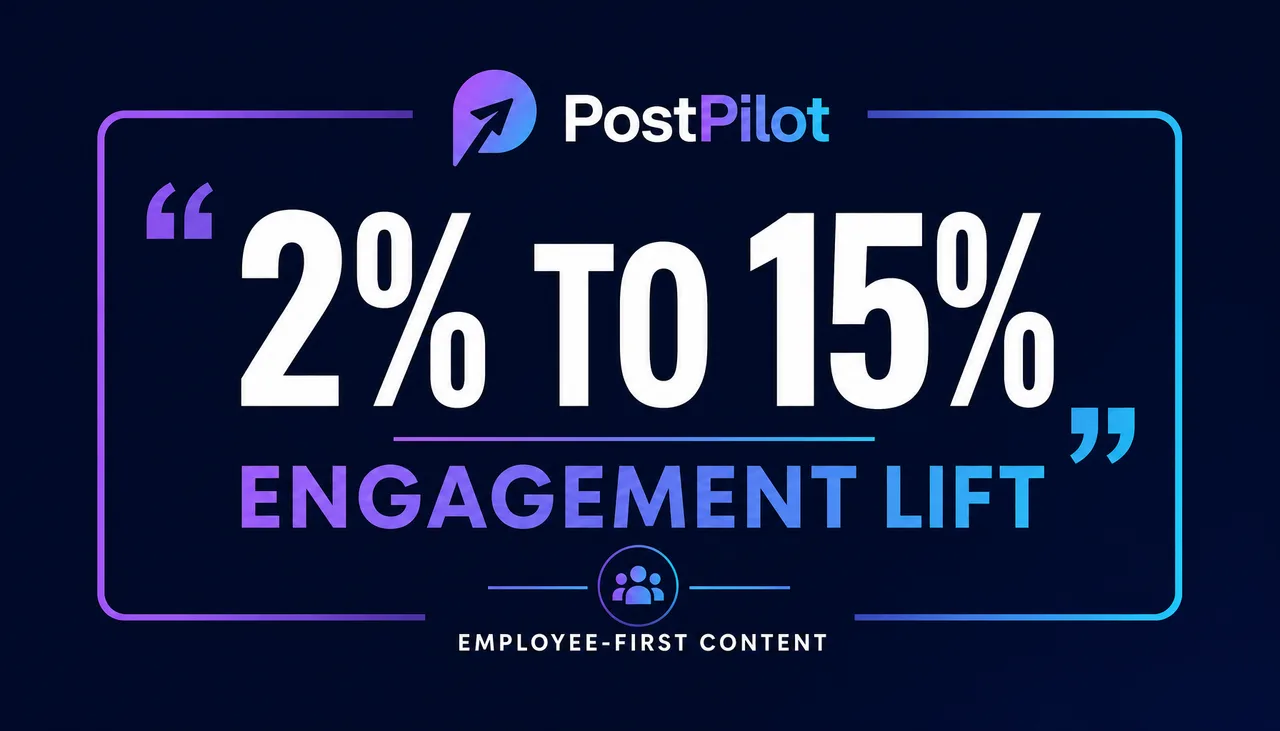
Layout demonstration only. The 2% to 15% figure is invented and is not a customer quote, result, or benchmark.
Exact ImageLayer setup
- Mode: Image
- Content type: General
- Platform preset: X / Twitter (16:9)
- Model: GPT Image 2
- Apply brand guidelines: Off
B2B synthetic result-card layout for fictional social platform PostPilot. 16:9. Dark navy background, violet/cyan accent frame. Large illustrative value reads exactly "2% TO 15%". Headline reads exactly "ENGAGEMENT LIFT". Small label reads exactly "FICTIONAL EXAMPLE". Editorial SaaS style, no dashboard UI, no real LinkedIn logo, no extra words, no watermark.Example 4: Pipeline Attribution Visual Breakdown
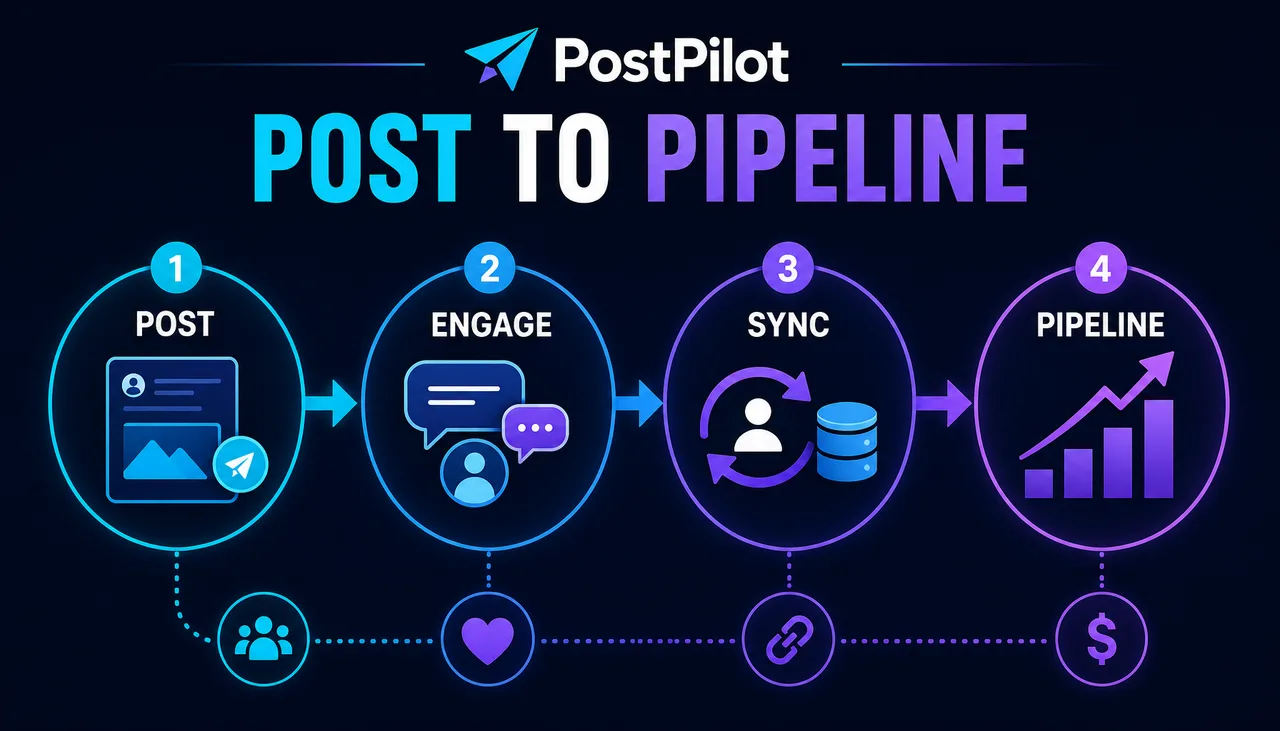
Generated in ImageLayer with General mode, GPT Image 2, X / Twitter (16:9), and the exact prompt below.
Exact ImageLayer setup
- Mode: Image
- Content type: General
- Platform preset: X / Twitter (16:9)
- Model: GPT Image 2
- Apply brand guidelines: Off
B2B social attribution visual breakdown for fictional platform PostPilot. 16:9. Dark navy background with cyan/violet accents. Title reads exactly "POST TO PIPELINE". Four connected stages read "POST", "ENGAGE", "SYNC", "PIPELINE". Use clean icons, arrows, editorial SaaS infographic style, no dashboard UI, no real LinkedIn logo, no extra words, no watermark.How a marketing platform can reuse it
Use the benchmark card when you need a data-led LinkedIn asset:
B2B LinkedIn benchmark card for fictional social platform [BRAND]. 16:9. [BACKGROUND] with [ACCENTS]. Big metric reads exactly "[METRIC]". Headline reads exactly "[HEADLINE]". Three small chips read "[CHIP 1]", "[CHIP 2]", "[CHIP 3]". Clean editorial SaaS style, no dashboard UI, no real platform logos, no extra words, no watermark.Use the carousel cover when you need dwell-time content:
B2B LinkedIn carousel cover for fictional social platform [BRAND]. 16:9. [BACKGROUND] with [ACCENTS]. Large title reads exactly "[TITLE]". Five cards read "[FORMAT 1]", "[FORMAT 2]", "[FORMAT 3]", "[FORMAT 4]", "[FORMAT 5]". Premium editorial SaaS style, clean grid, no dashboard UI, no real platform logos, no extra words, no watermark.Use a proof-point card only when the value, wording, source, and publication permission have been verified:
B2B proof-point card for [BRAND]. 16:9. [BACKGROUND], [ACCENT] frame. Large verified value reads exactly "[VERIFIED RESULT]". Headline reads exactly "[APPROVED HEADLINE]". Small attribution reads exactly "[VERIFIED SOURCE]". Editorial SaaS style, no dashboard UI, no real platform logos, no extra words, no watermark.Use the visual breakdown when the caption needs to explain a workflow:
B2B social attribution visual breakdown for fictional platform [BRAND]. 16:9. [BACKGROUND] with [ACCENTS]. Title reads exactly "[TITLE]". Four connected stages read "[STEP 1]", "[STEP 2]", "[STEP 3]", "[STEP 4]". Use clean icons, arrows, editorial SaaS infographic style, no dashboard UI, no real platform logos, no extra words, no watermark.Do not invent a metric to complete a layout. Use placeholders until the source, population, period, methodology, and owner are approved.
Where this fits in ImageLayer
For B2B social platforms, this is a strong General workflow first. The team can explore positioning and visual language quickly.
Once the patterns stabilize, turn them into content templates:
-
Campaign graphic
- Headline
- Supporting line
- Product metaphor
- Palette / style notes
-
Benchmark card
- Metric
- Headline
- Three supporting chips
- Audience or benchmark source
- Palette / style notes
-
Verified proof-point card
- Result
- Headline
- Attribution
- Brand-safe background
- Avoided platform logos
Compare the currently available image models with the same approved brief. Text rendered inside an image still requires character-by-character review. Use the live selector and pre-submit quote for availability and credits.
The takeaway
This fictional exercise shows launch graphics, benchmark-card layouts, employee-advocacy assets, poll-result layouts, and attribution explainers without presenting them as customer evidence.
The prompts are easier to review when each output maps to a defined B2B marketing job:
- plan the campaign
- publish the posts
- explain the intended attribution flow
That is the story the visual needs to tell.
Keep exploring
- GPT Image 2 Playbook - The broader model workflow and example library.
- Copy-Paste GPT Image 2 Prompts for Social Ads and Posters - More text-in-image prompt patterns.
- Content Type Templates - How to turn these into structured widget fields.