AI Portrait Concepts: Identity and Consent Boundaries
A reference-guided portrait workflow with explicit consent, identity, disclosure, and final-review safeguards.
Reference-guided portraits can explore lighting and background direction, but generated faces can change identity, age cues, skin texture, clothing, and other sensitive details. Use this workflow only with the subject’s informed permission.
Synthetic demonstration: The images below are workflow examples, not employees, customers, photography cost evidence, or proof of identity fidelity.
The Pain of the “Good Enough” Selfie
We’ve all seen it. The harsh fluorescent lighting of a home office, the distracting background, the unflattering angle. It screams “amateur,” even if the person in the photo is an industry expert.
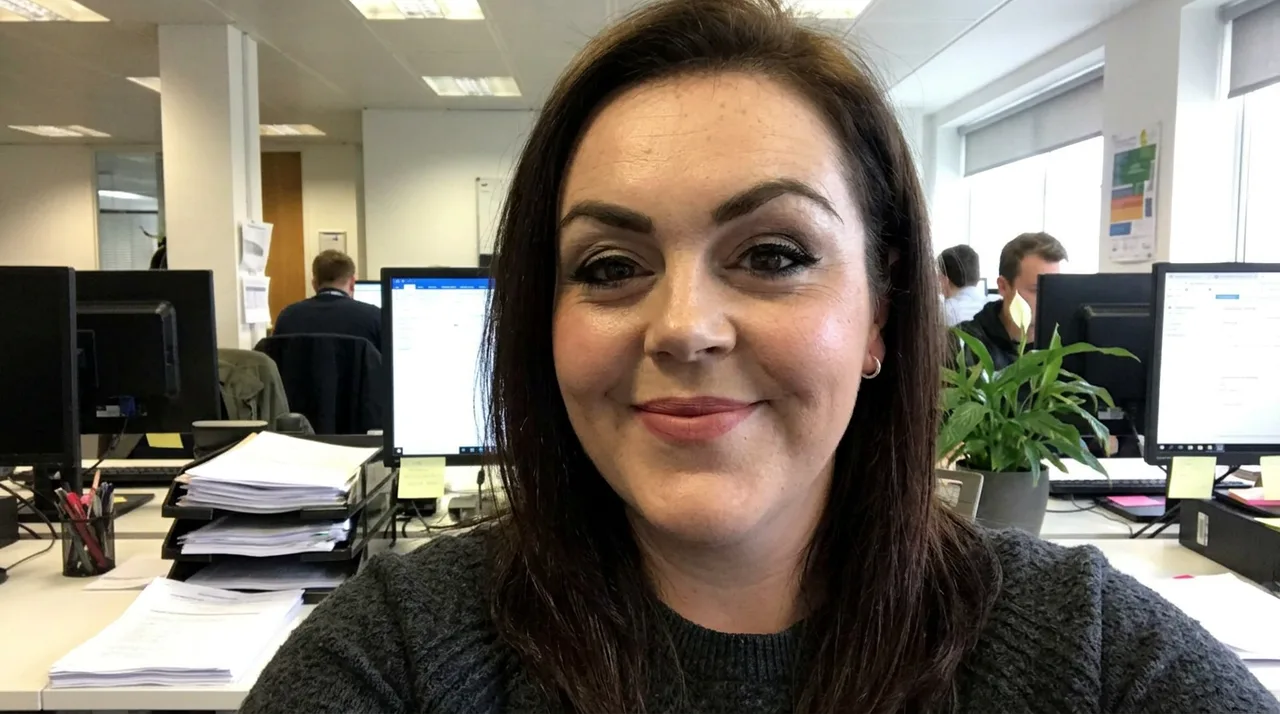
Synthetic input example

Synthetic generated example. It must not be treated as identity documentation or an exact likeness.
Structure the portrait brief
The Professional Portrait content type collects subject, style, background, and mood direction. A reference image can steer the request but does not guarantee likeness.
Instead of wrestling with complex prompt engineering (“85mm lens, f/1.8, soft box lighting, neutral background…”), you just fill in the blanks:
- Subject Description: “Woman in her early 30s, round face, dark brown hair, wearing a grey sweater over a striped collared shirt”
- Portrait Style: “Corporate headshot”
- Background: “Neutral grey”
- Mood: “Professional and approachable”
The template adds photography-style language to the prompt. The selected model determines the output, which still requires subject and organization approval.
Review before use
- Obtain consent for the input photograph and intended publication channel.
- Confirm that the result still depicts the correct person and does not add misleading attire, credentials, or context.
- Check applicable workplace, biometric, advertising, and AI-disclosure requirements.
- Offer a non-generated alternative; do not require an employee to use a synthetic portrait.
Inspect the workflow
Open the public Playground to inspect the Portrait interface without submitting a generation. Authenticated requests remain subject to entitlement and billing admission; generation time and output vary by model, queue, prompt, and provider conditions.